How to export the displayed map view as an image?
The application allows you to export any displayed map view as a JPEG image. When the map is exported, all control buttons are hidden.
Before exporting a map view, choose an orientation (portrait, landscape or any other custom rotation), adjust the view bounds and display any landmarks.
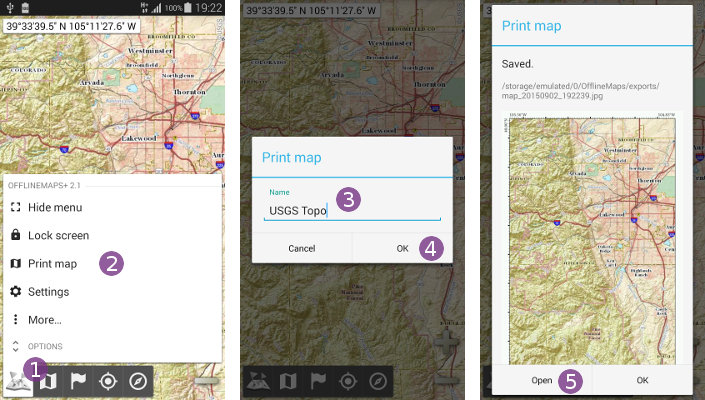
Then, to export the displayed map view:
- Click on the “
Main menu” icon and select “
Print map” ;
; - Optionally, type a name
 for the exported image and click on “
Ok” ;
; - Once saved, the exported image will be displayed. Click on “
Open” to display it in your favorite image viewer.
 For legal reasons, some maps (like Google Maps) cannot be exported.
Exported maps examples
The following maps have been exported by the application and unmodified (click to enlarge them).
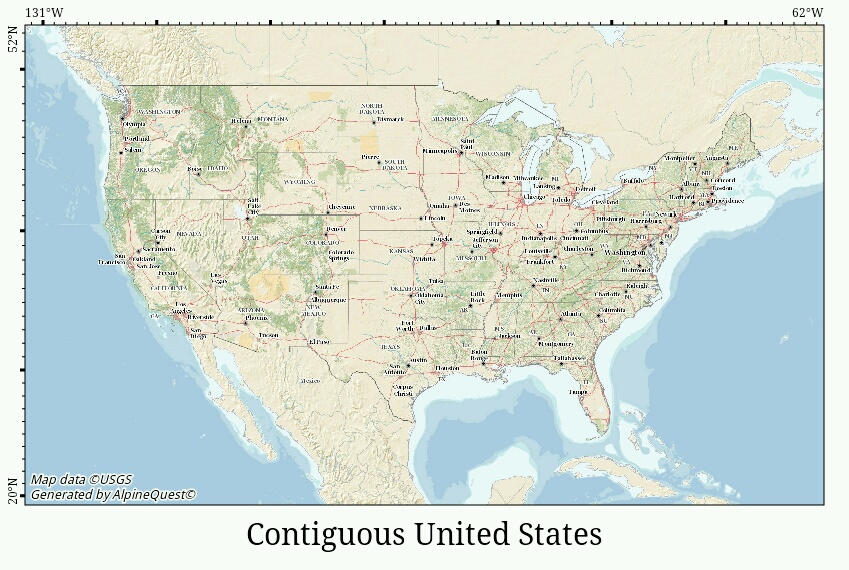
Here is a small scale of the Contiguous United Sates:
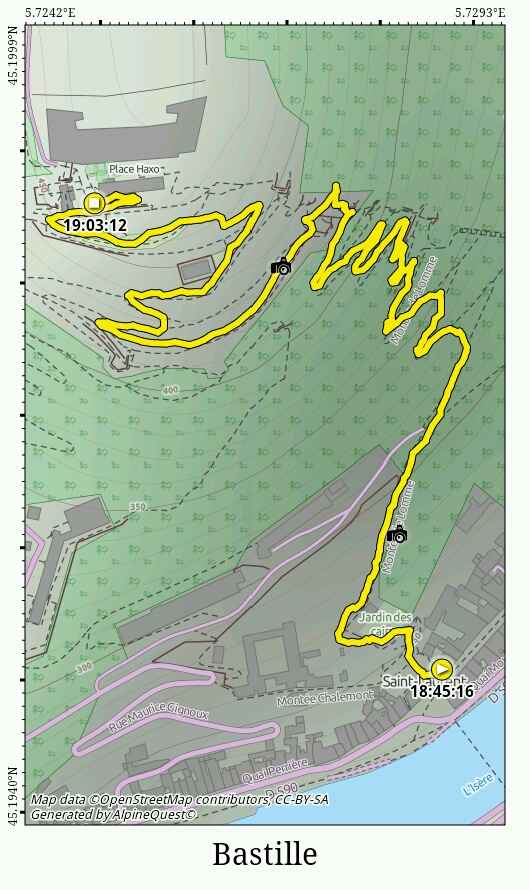
Here is a large scale of a recorded track:
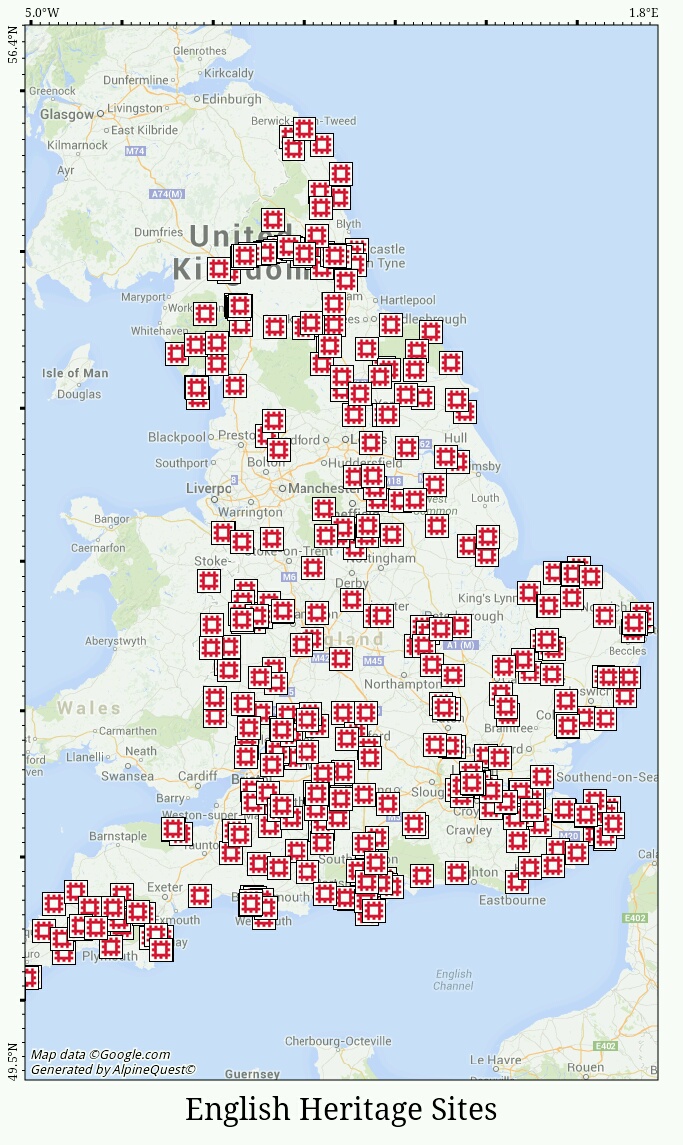
And here are the English Heritage sites: